Timeline caption editing
Select cue blocks, drag timing, resize starts and ends, and edit text in a workflow editors already understand.
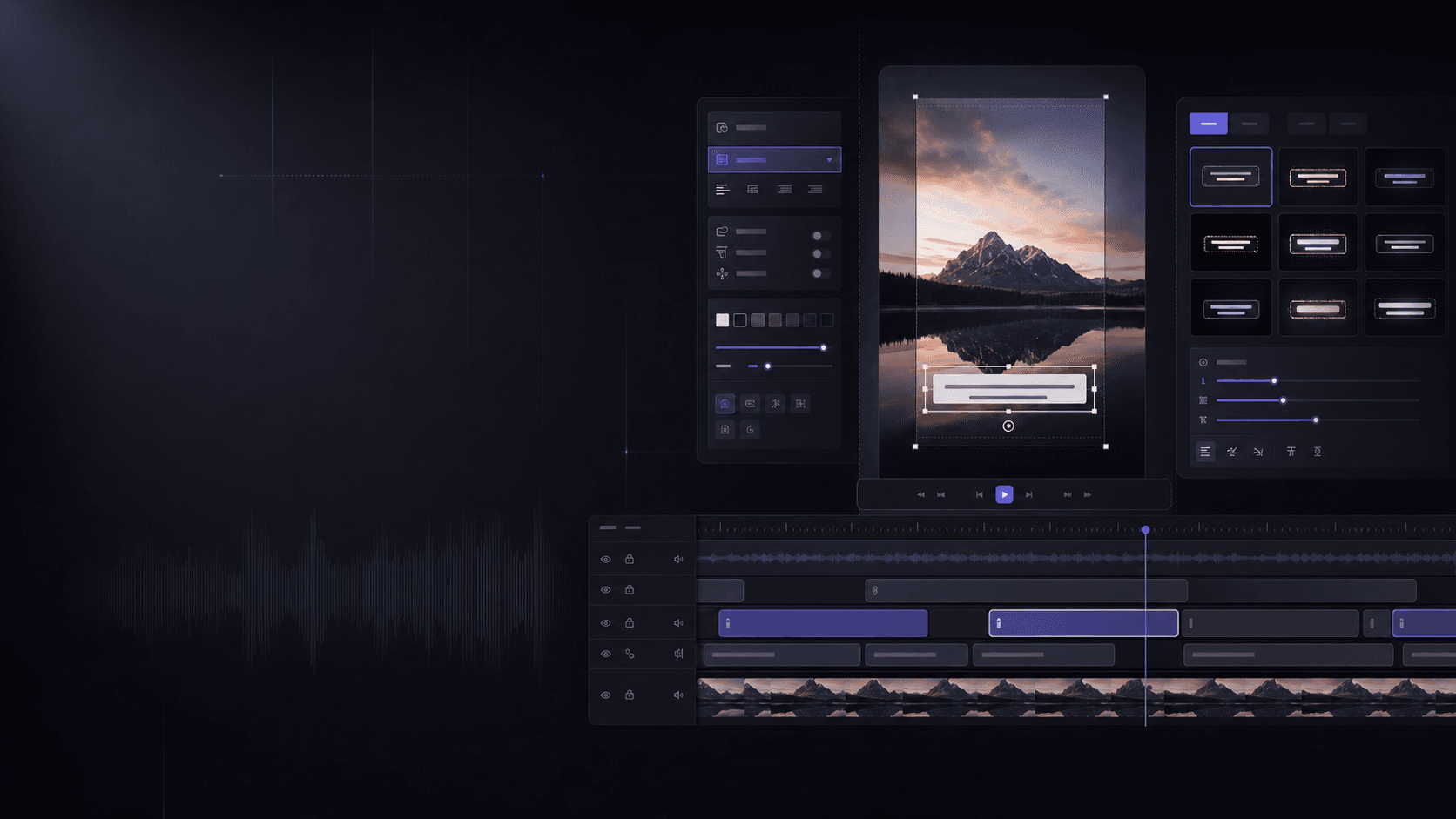
Generate Thai captions with AI, edit timing on a timeline, control font, color, stroke, shadow, and export burned-caption MP4s for TikTok, Reels, Shorts, and social commerce.
Built for caption work
Select cue blocks, drag timing, resize starts and ends, and edit text in a workflow editors already understand.
Start from viral, clean, product-review, podcast, or news presets, then adjust typography and placement.
The main output is an MP4 with burned captions. SRT, ASS, and caption JSON remain secondary workflow files.
Workflow
The landing page shows the core promise immediately: a focused CapCut-like caption timeline, without becoming a full video editor.
Use the sample video or upload an MP4 to start a single-video project quickly.
AI or mock cues land on the timeline so you can drag, resize, and rewrite captions.
Pick Thai caption presets and tune font, color, stroke, shadow, and position.
Render a burned-caption MP4 and keep ASS, SRT, and JSON as secondary outputs.
Pricing
Start cheaply, then scale credits for editors, agencies, and content teams.
฿0
10 credits
About 5 short 1-minute clips
Try the Thai caption workflow before upgrading
฿199/mo
100 credits
About 50 short 1-minute clips
Creators publishing short clips consistently
฿299/mo
180 credits
About 90 short 1-minute clips
Creators and editors who want more quota per baht
฿699/mo
500 credits
For client work and short-form batches
Freelance editors, agencies, and content teams
Credit assumption: a short 1-minute clip uses about 2 credits. This may change after real render-cost measurement.
Klipr alternative
Klipr is a useful benchmark for Thai AI subtitles. SubRytm aims to win with timeline editing, style control, Thai creator presets, and better credits per baht during pilot pricing.
The MVP target is a burned-caption MP4, with SRT, ASS, and caption JSON as secondary outputs for editing and downstream workflows.
SubRytm focuses on a caption timeline editor: video preview, draggable cue blocks, text editing, style presets, and post-ready MP4 export in one workflow.
It is designed for TikTok, Reels, Shorts, product videos, podcast cuts, reviews, and Thai short-form videos that need readable mobile captions.